
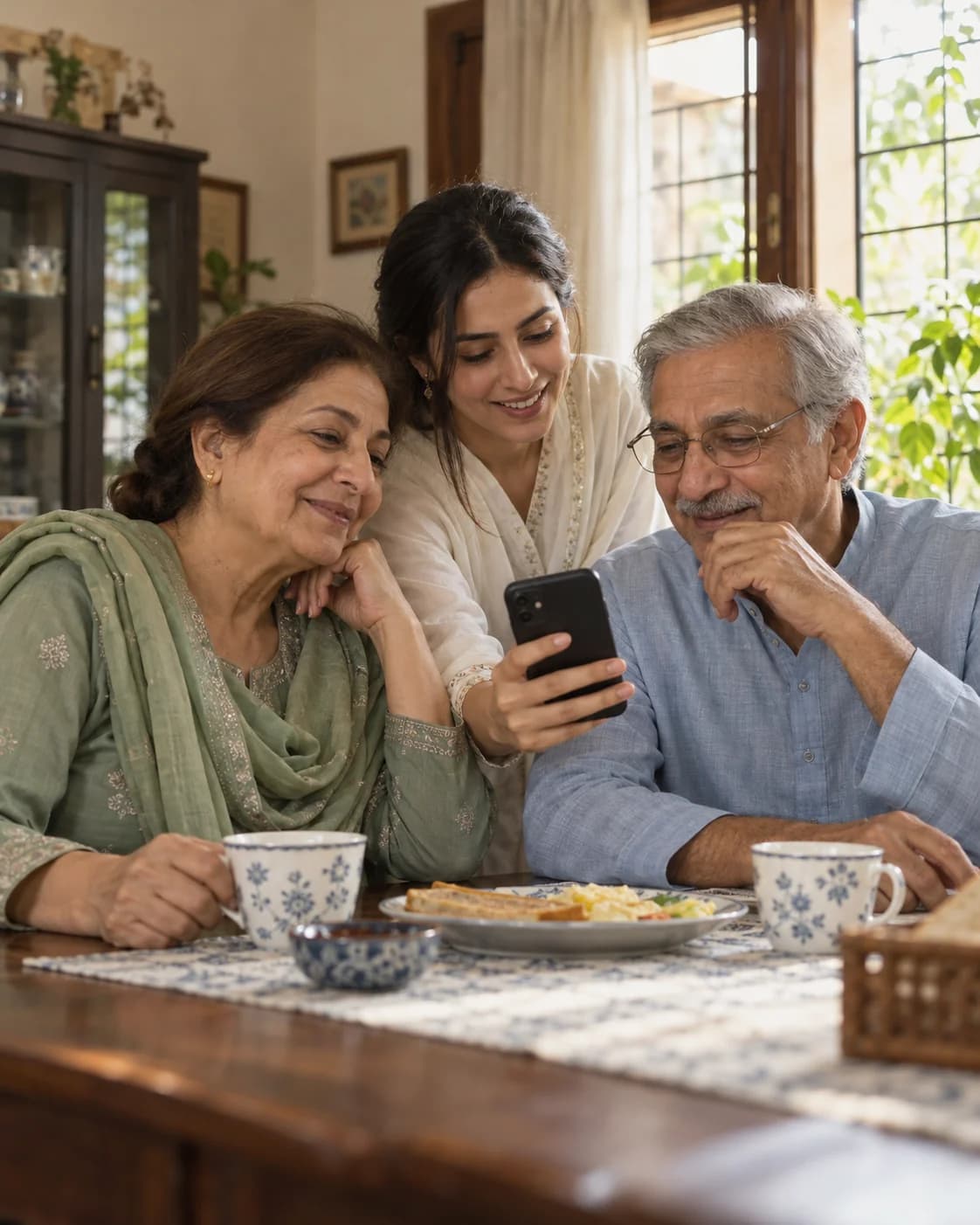
01 / Morning routine
Keep a simple routine
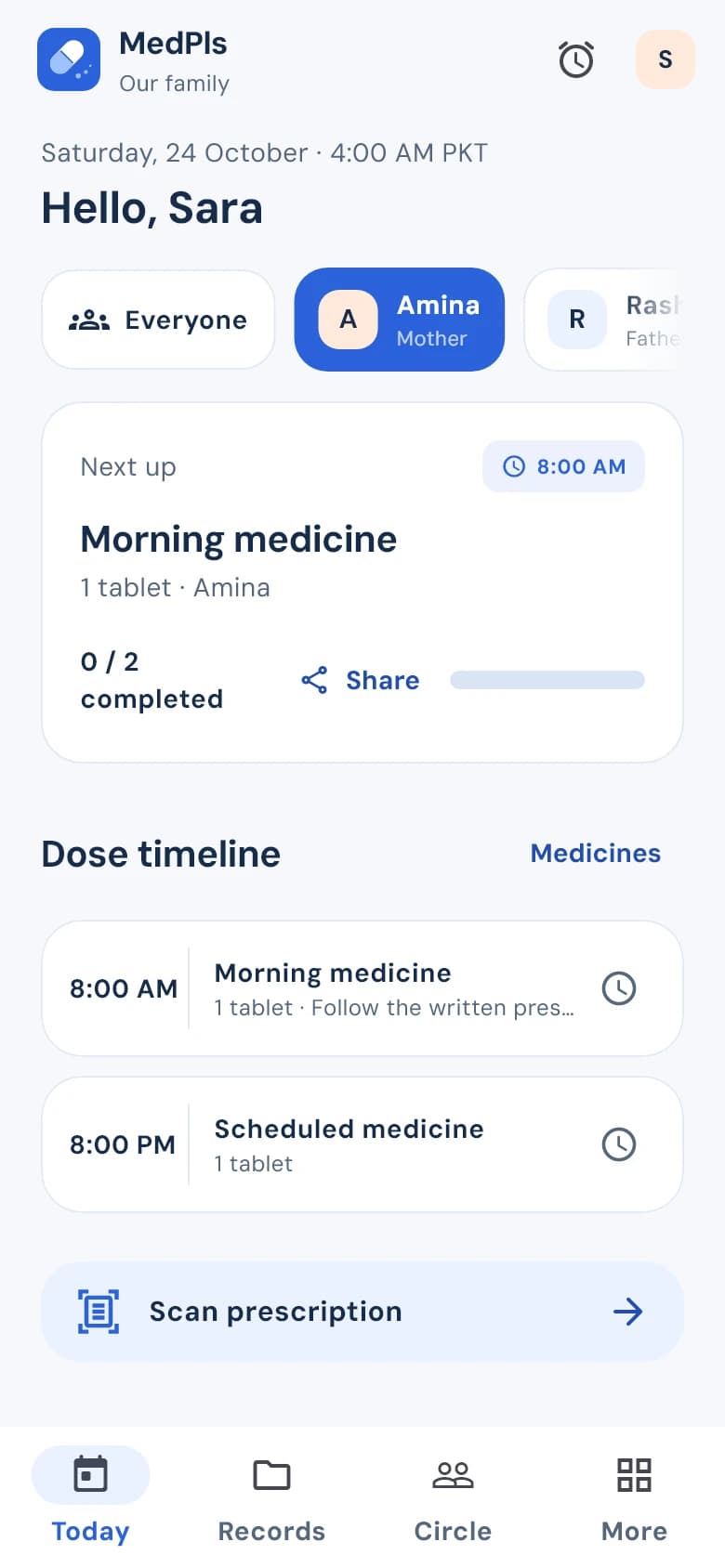
Add the medicine and its prescribed times. See what’s next, then record a dose as taken or skipped so there’s a record to check.
Medpls brings medicines, family routines and health records into one place so it’s easier to see what’s next and let the family help.
Download Android APK Preview APK version 1.0.1 92 MBSee how doctor sharing works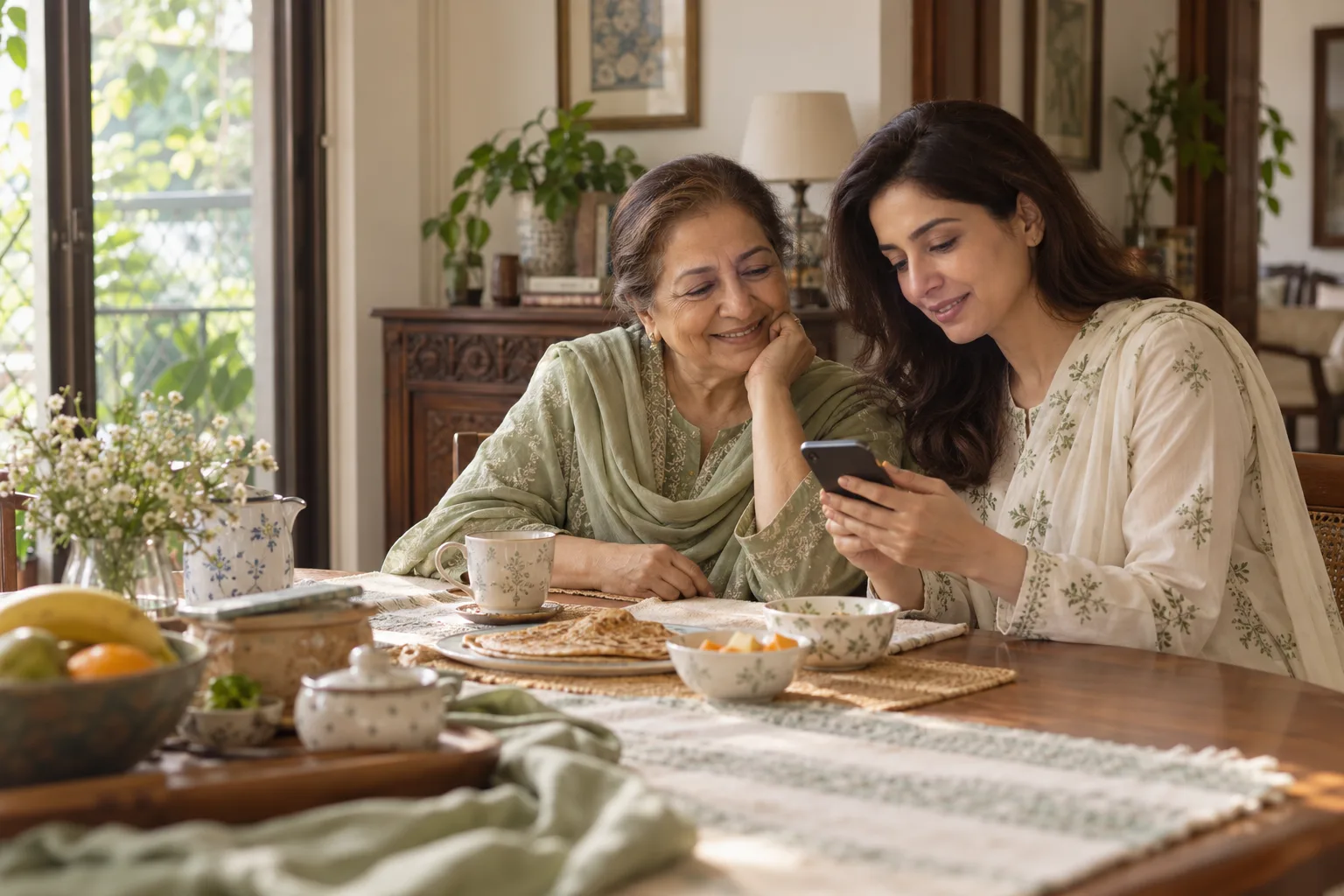
A prescription to check, a family member asking about the morning dose and a note for the next visit. Keep those everyday details together instead of carrying them all on your own.
Add the medicine and its prescribed times. See what’s next, then record a dose as taken or skipped so there’s a record to check.
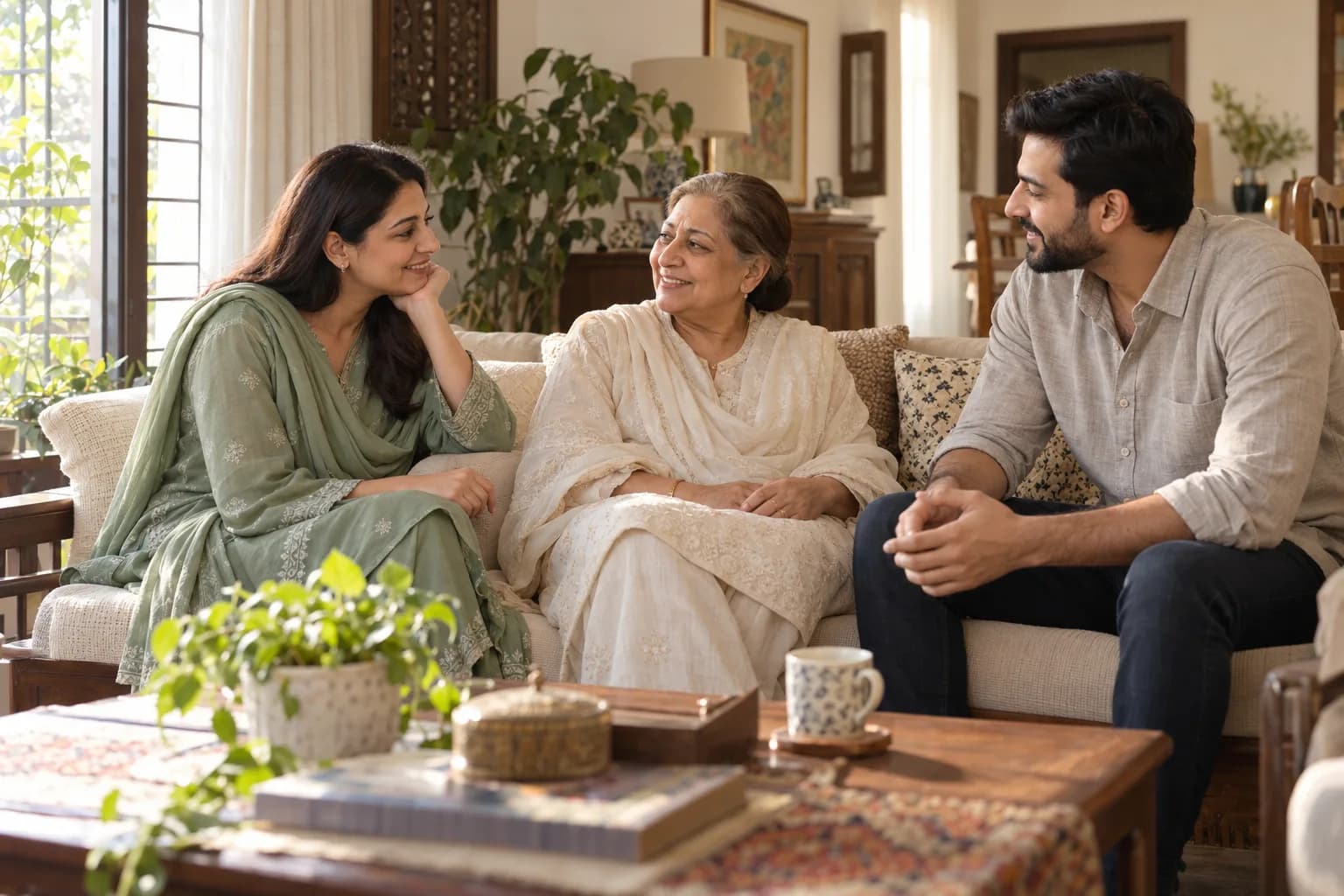
Invite a sibling or another caregiver. Choose whose profile they can see and whether they can record doses or help with schedules.
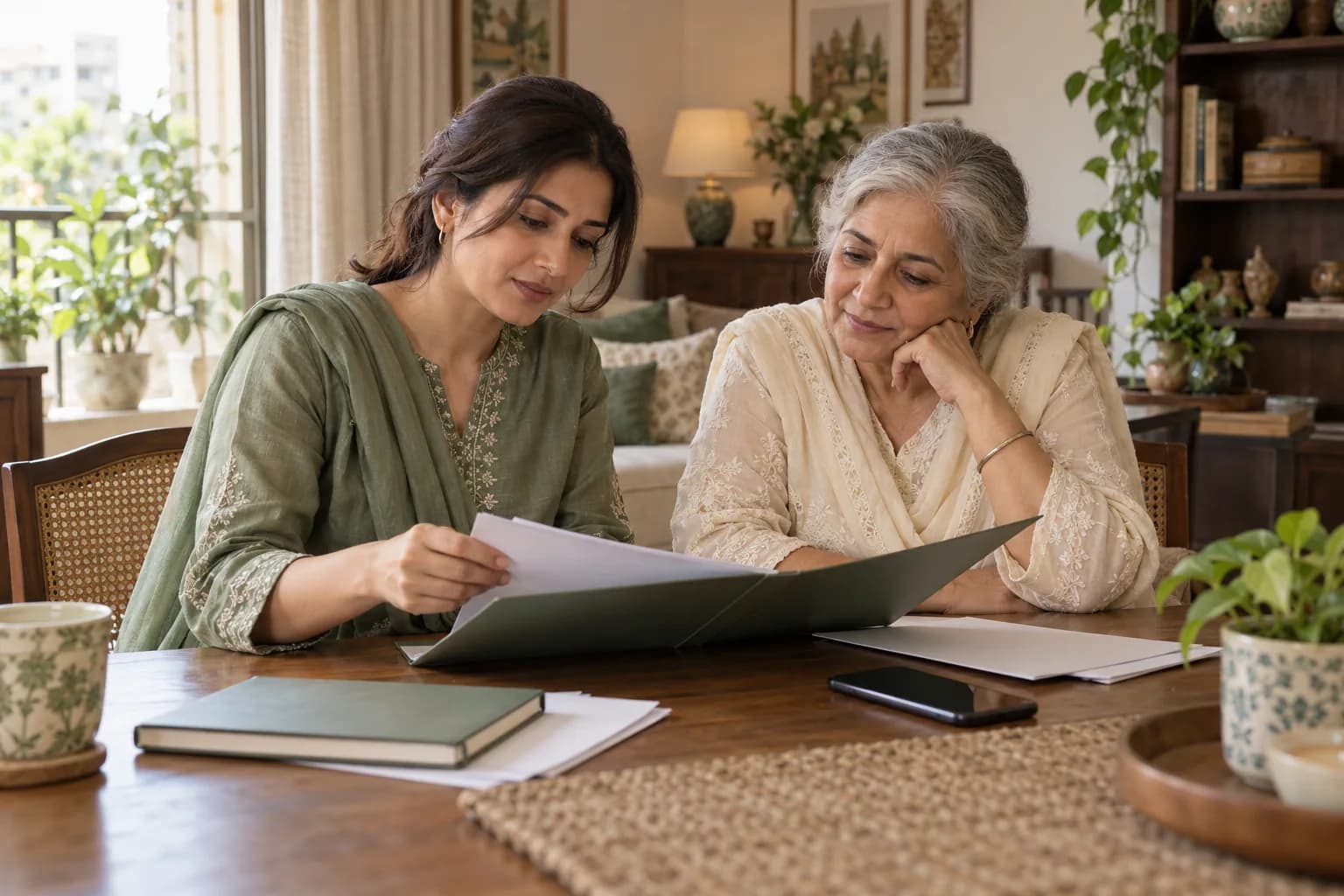
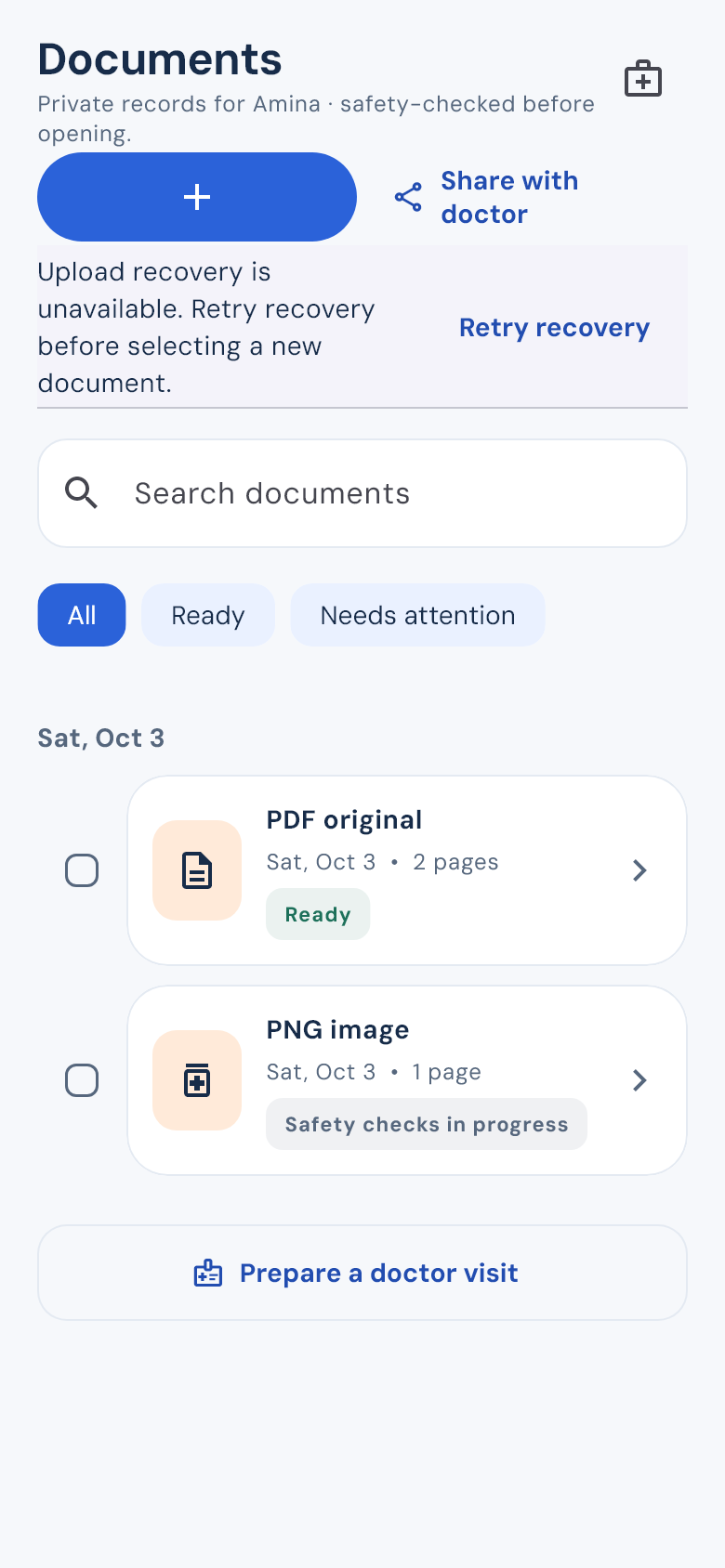
Choose the reports you need, add your questions and include recent dose history if it helps. Review it all before making a visit summary.
Mom’s medicines and Dad’s records each have their own place. Switch between them without mixing up the details.
See how Medpls helps your family keep medicines, records and everyday care together.
Medpls walkthrough with audio
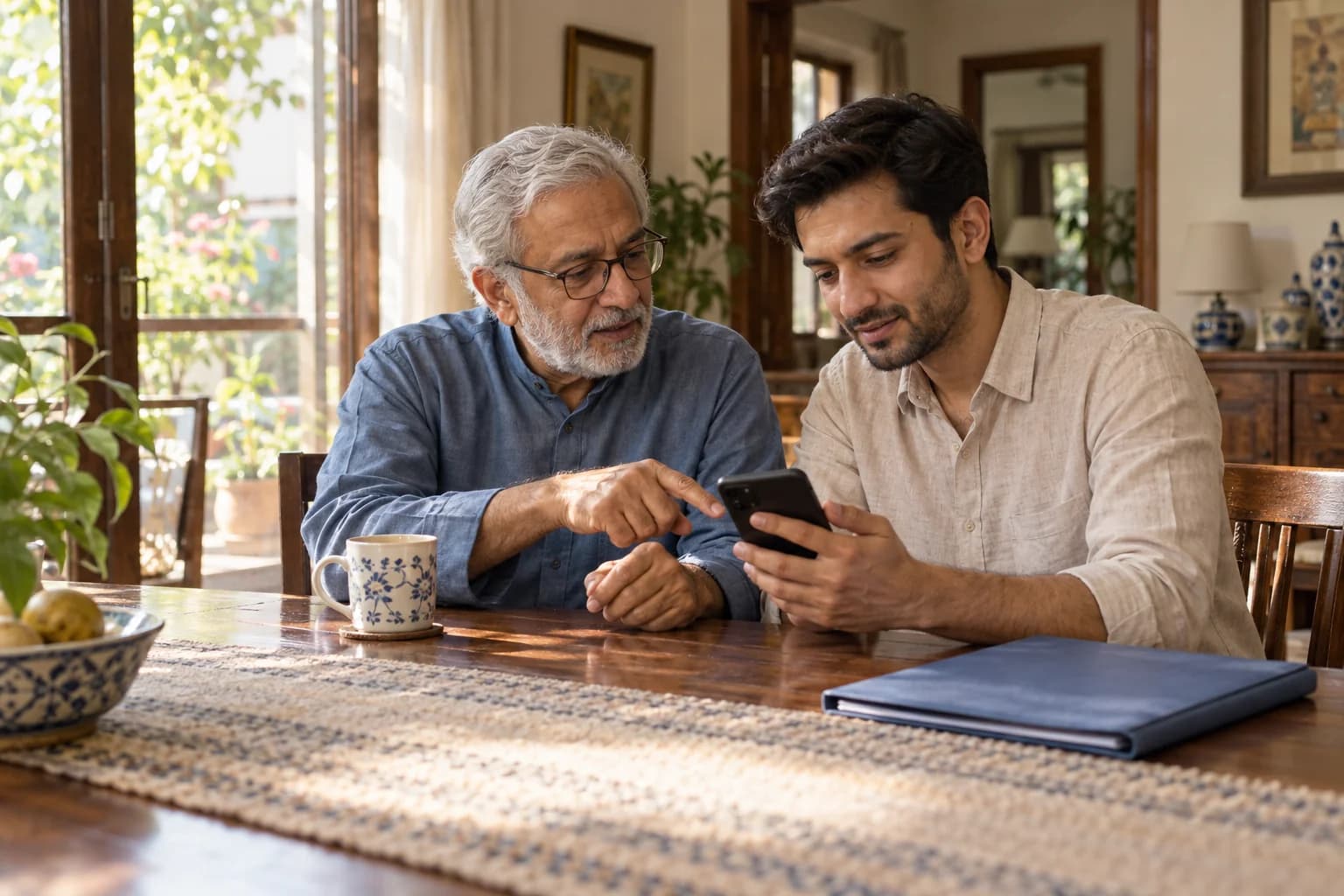
Keep separate profiles for Mom, Dad or anyone else you care for. Invite family to help and choose what each person can see and do.
A medicine list, the right reports and the questions you meant to ask. Put them together before the appointment, then choose what to share.
Received a packet? Use the private link your caregiver sent you.
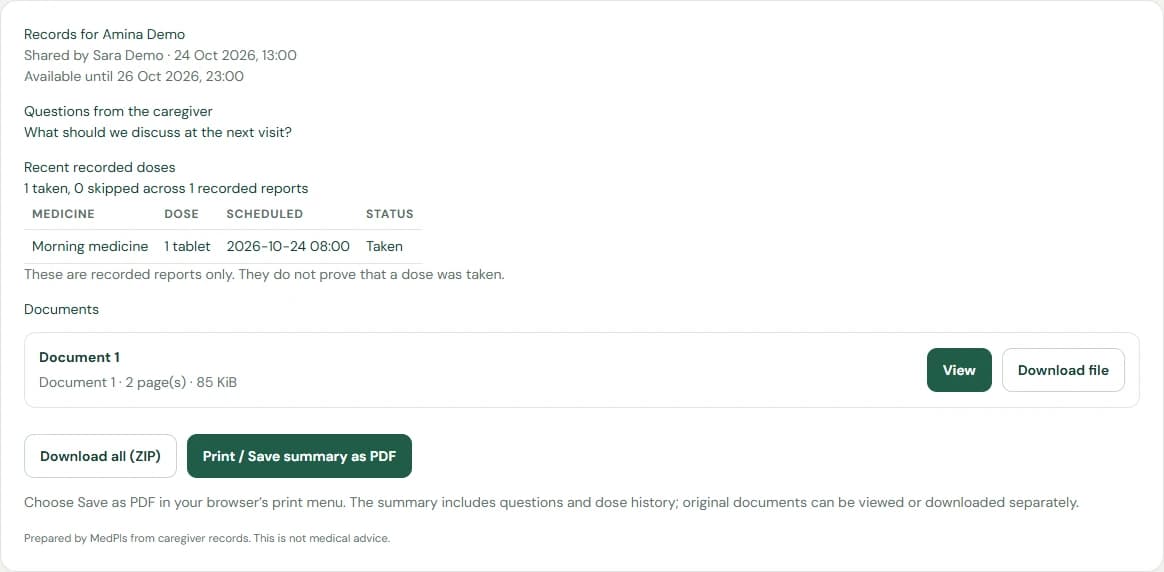
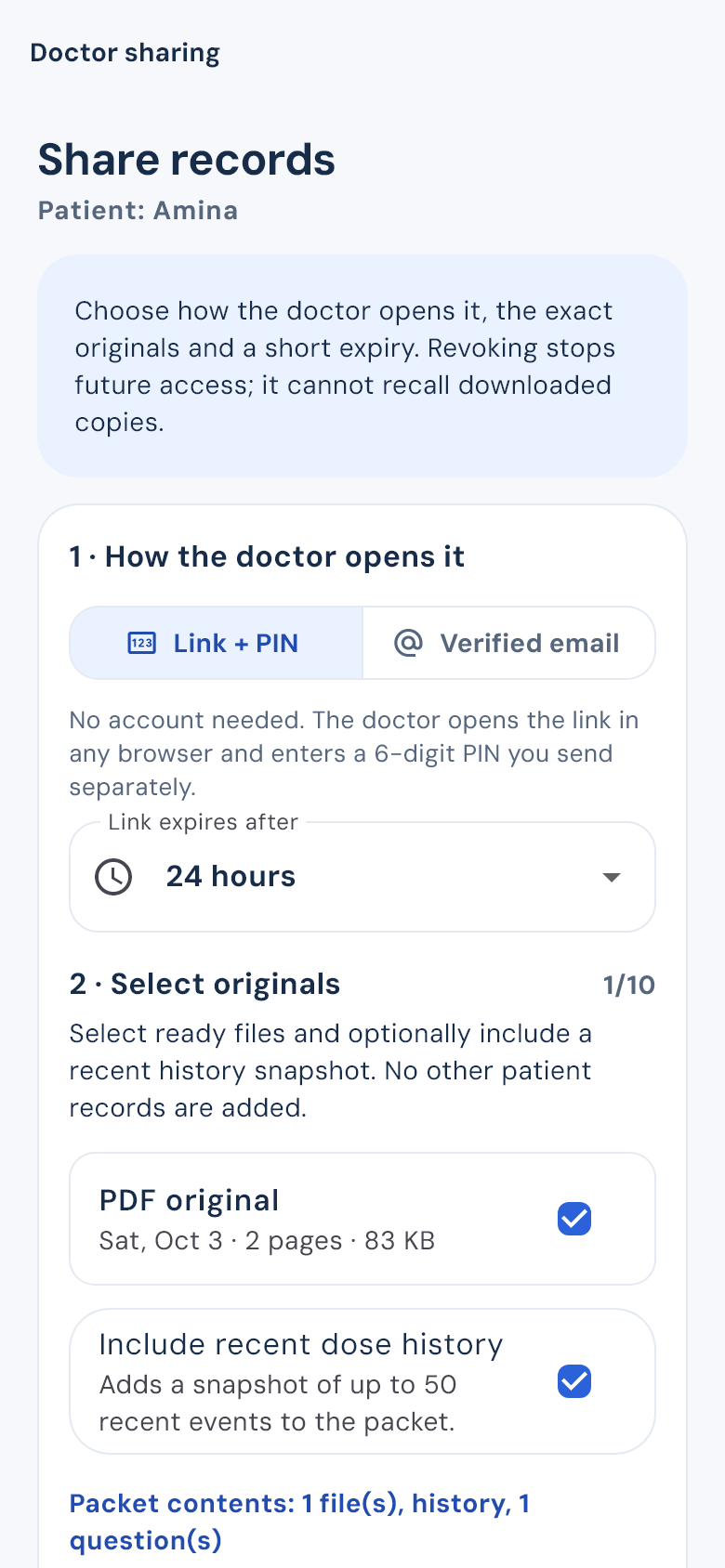
A shared packet opens with a PIN or the recipient’s verified email, depending on the access you choose.
You can stop future access. A downloaded copy cannot be recalled.
Core care is free. Choose Premium for prescription scans and extra insights for your care group.
Pay with JazzCash and send proof through WhatsApp from the app. Premium starts after verification.
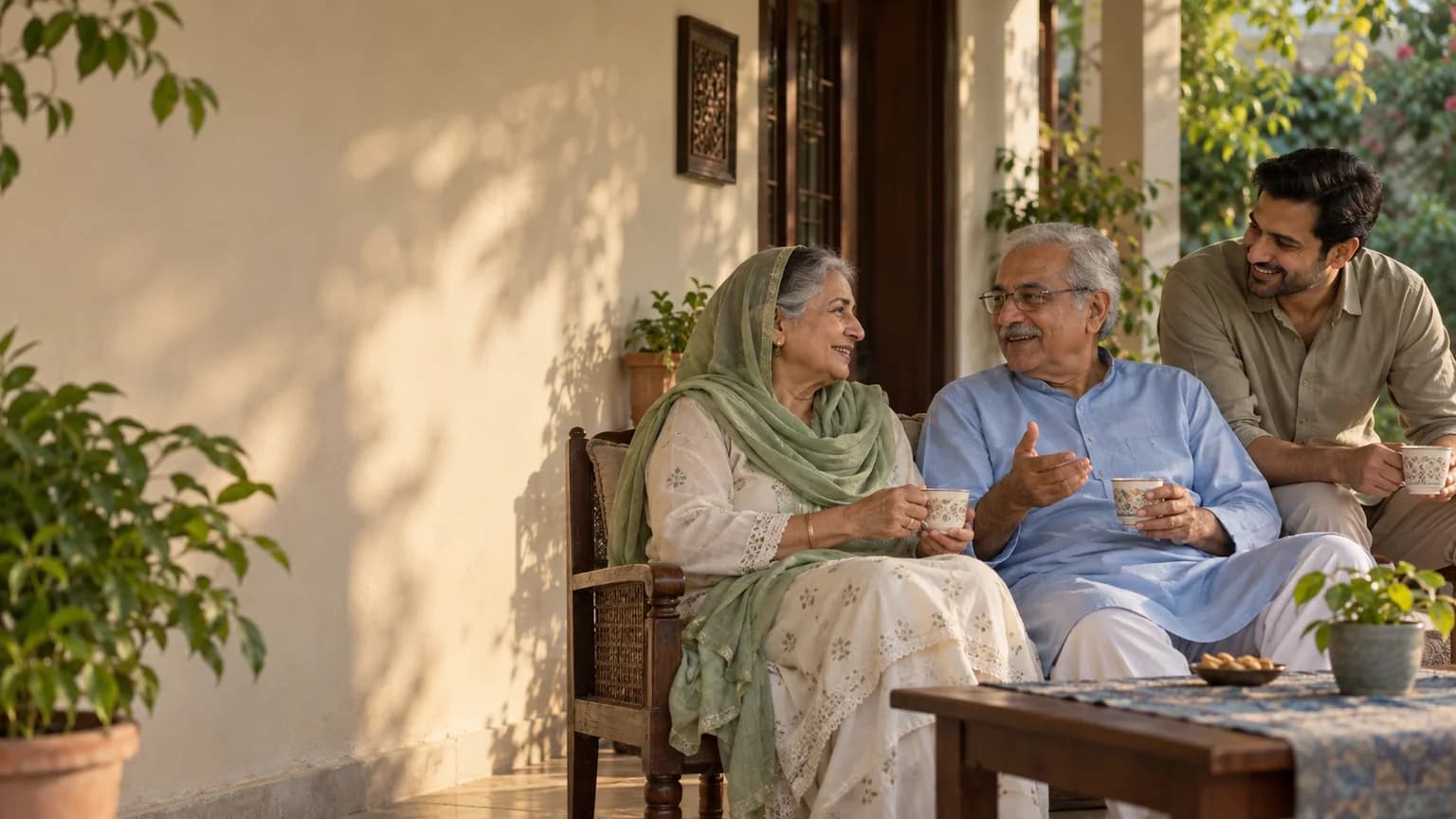
Keep the care details together. Make a little room for the time you spend together.
Download Android APKYes. Add a profile for each person. Their medicines, dose history and documents stay separate, and you can switch between profiles.
Yes. Invite another caregiver and choose which patient profiles they can access. You also choose whether they can view information, record doses, edit schedules or work with documents.
No. Follow your clinician’s instructions. Medpls helps organize the routine and record what happened. Any scanned prescription details need to be checked against the original before saving.
Your core care continues. You can still enter medicines manually, use reminders and see the dose history you’ve recorded.